Image to pixel art converter
Turn any picture into pixel art in your browser. Set the pixel size, apply a retro palette like DMG or NES, and download the result as PNG, JPEG, or WebP.
- Free, with no watermark
- Private, your images never leave your device
- No account or sign-up
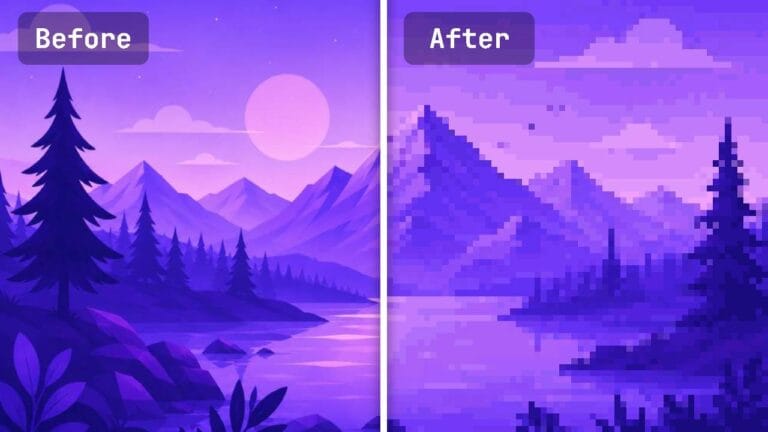
What is image to pixel art conversion?
Image to pixel art conversion takes a regular photo or illustration and rebuilds it from large, visible squares of color. The converter shrinks your picture to a coarse grid and draws each cell as one flat block, which gives you the look of an 8-bit or 16-bit video game.
Pixel art started on the game consoles of the 1980s and 90s, where artists had few colors and very few pixels to work with. Modern screens can show far more detail, but the blocky, retro style is still popular for games, avatars, stickers, and prints.
Our image to pixel art converter handles the whole process for you. Use it as a picture to pixel art maker for a profile photo, a photo to pixel art tool for gifts, or a quick way to pixelate an image for a game.
How to turn a picture into pixel art
-
Upload your picture
Drag an image into the converter or click to browse. PNG, JPG, WEBP, and GIF files work.
-
Set the pixel size
Use the slider to choose how chunky or fine the blocks look. Higher values make bigger pixels.
-
Adjust the look
Pick sharp or smooth sampling, tune brightness, contrast, and saturation, or apply a palette like DMG or grayscale.
-
Download your pixel art
Choose PNG, JPEG, or WebP and a size, then download. There is no watermark.
Image to pixel art examples
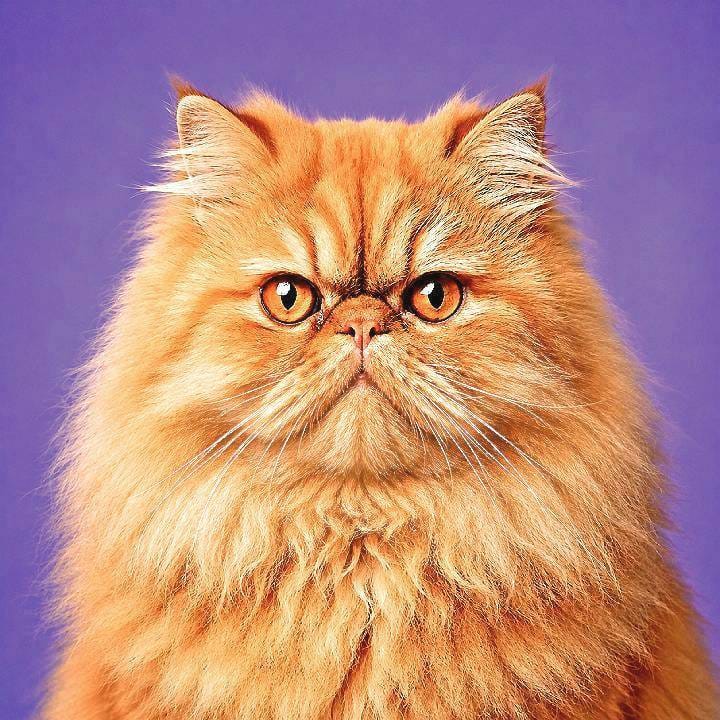
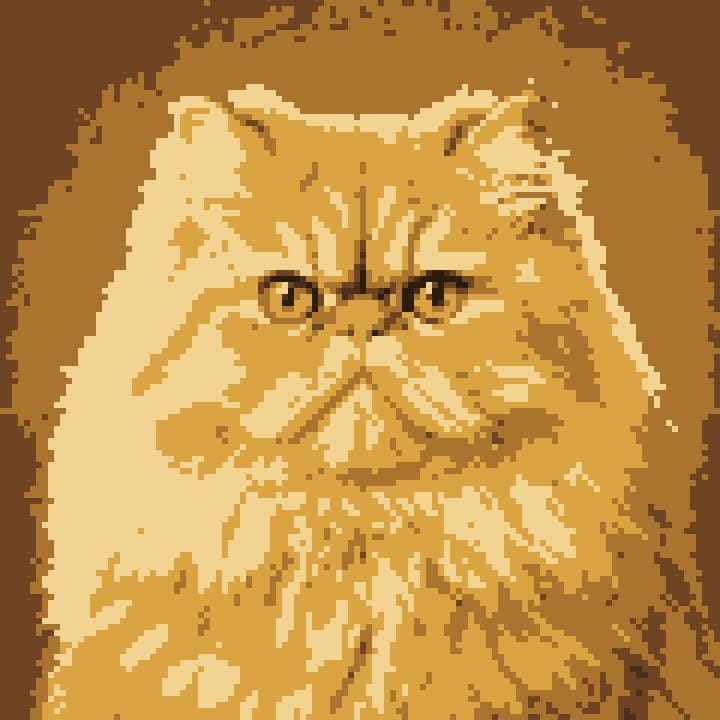
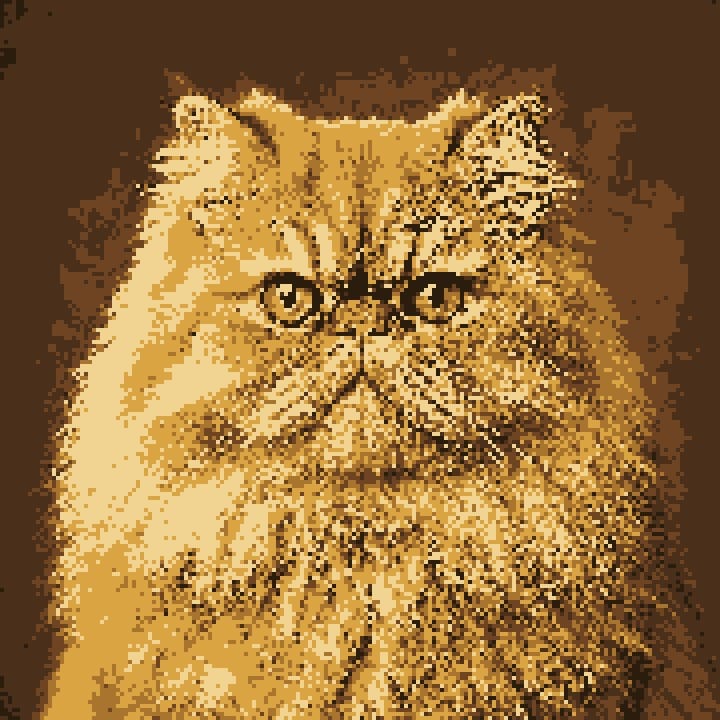
Every result below was made with the same converter. Only the pixel size, sampling, and palette changed.
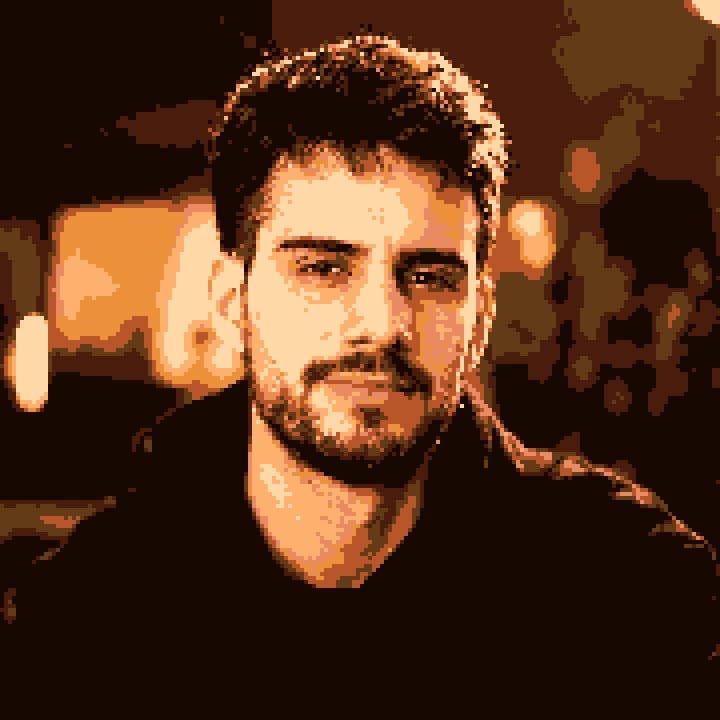
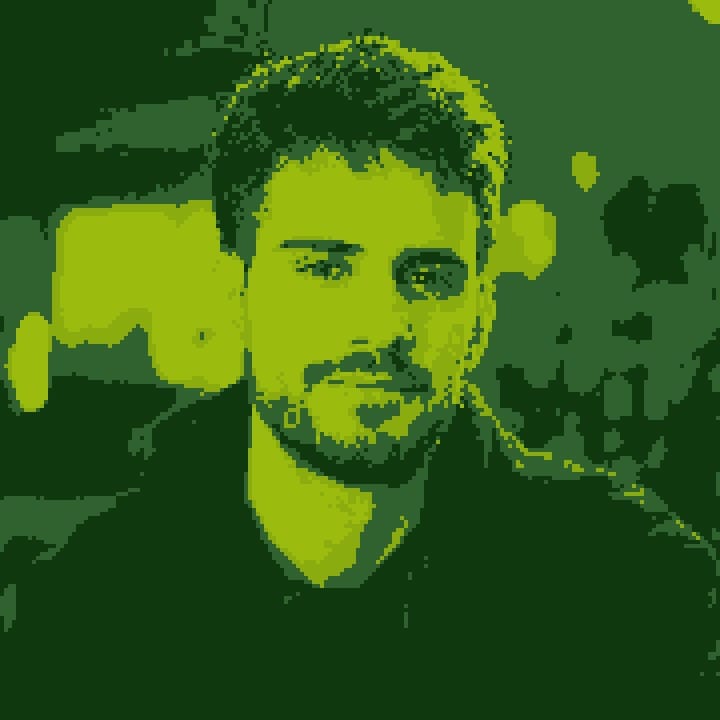
Photo to pixel art for profile pictures

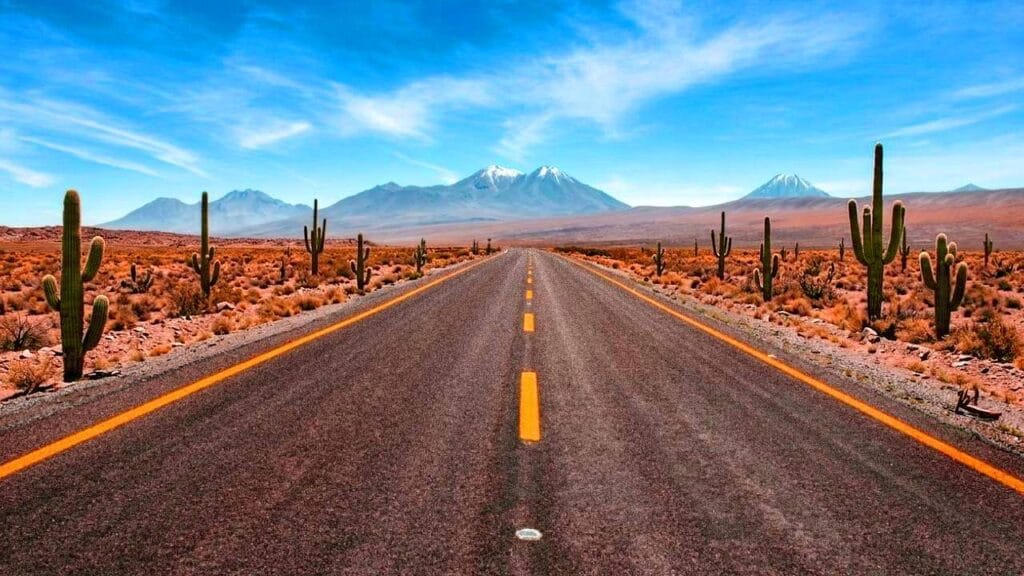
Landscape to pixel art background
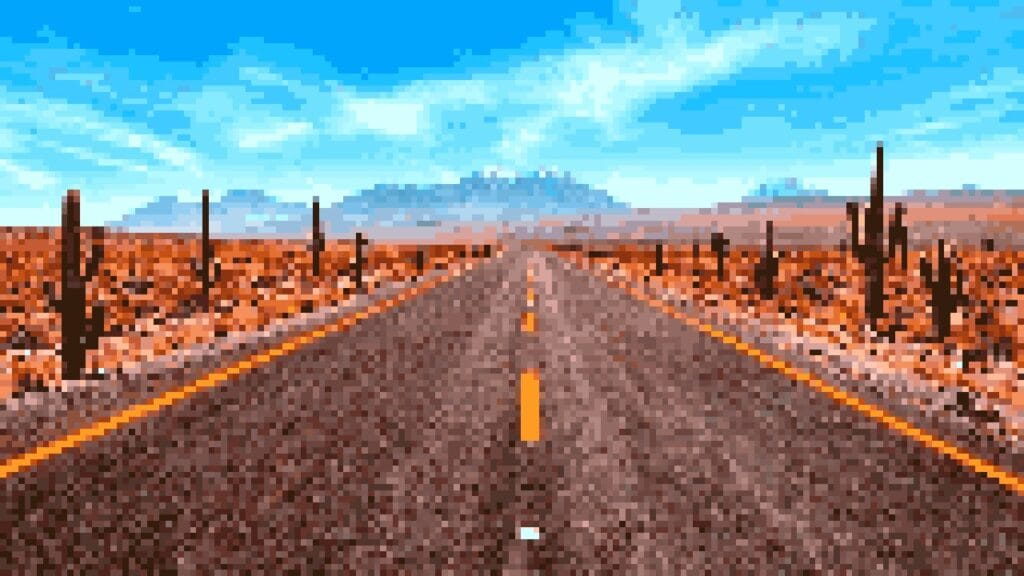
Pixel size: 10px vs 20px
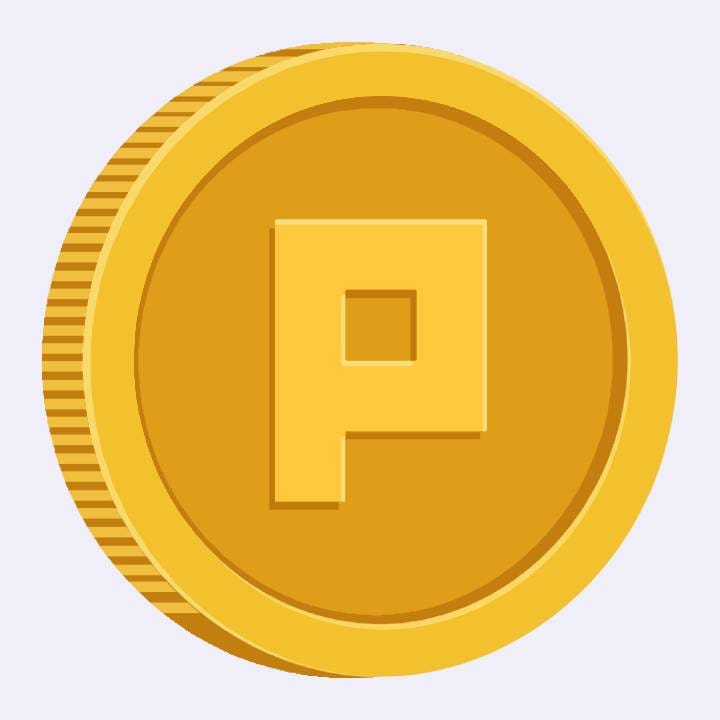
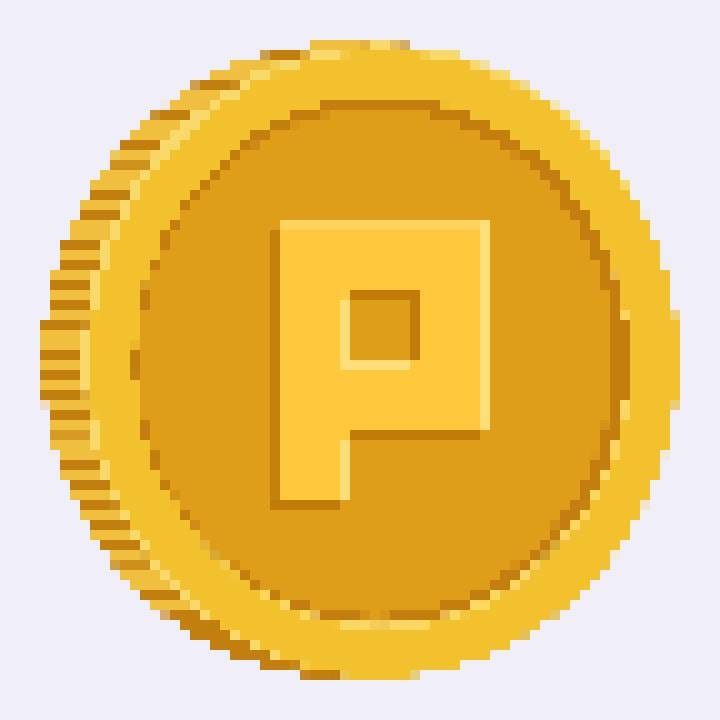
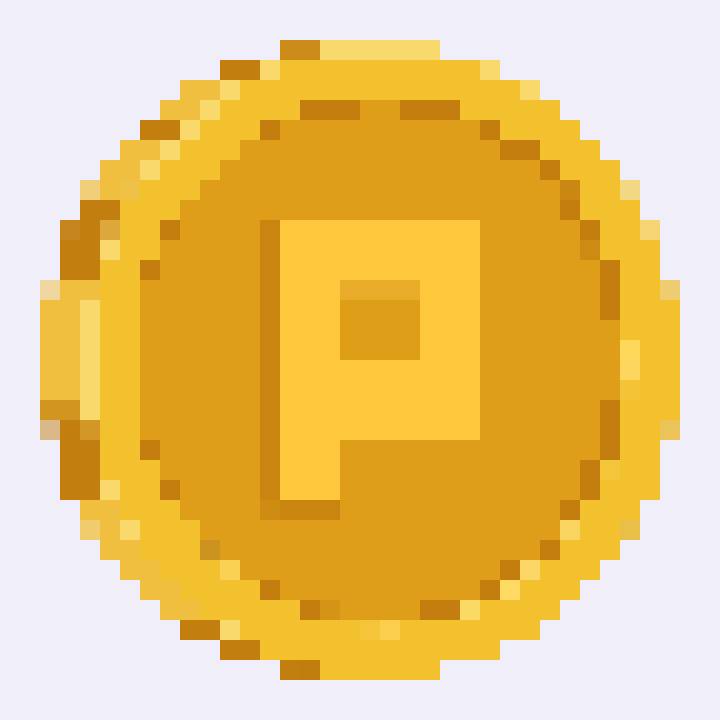
Sharp vs smooth sampling
Why use this image to pixel art converter
- Private by design
- The conversion runs in your browser with HTML canvas. Your photo is never uploaded to a server.
- Free, with no watermark
- Convert as many pictures as you like. Your downloads are clean.
- No account needed
- Open the page and start. There is no sign-up and no personal data to hand over.
- Adjustable pixel size
- Go from fine detail to big, chunky blocks with a single slider.
- Retro palettes and color control
- Apply a palette like DMG or NES, reduce the number of colors, and tune brightness, contrast, and saturation.
- Sharp or smooth sampling
- Choose hard-edged pixels for a graphic look or blended pixels for softer transitions.
- Pixel grid overlay
- Show a grid over the result to see every block. It helps when you want to redraw the image by hand in a sprite editor.
- Flexible export
- Download as PNG, JPEG, or WebP at small (the true pixel grid), medium, large, or original size.
What you can make from a photo to pixel art
Game sprites and assets
Convert a photo or illustration into pixel art for an 8-bit style game. Backgrounds, items, and characters all work, and the small download size gives you the true pixel grid to build on.
Profile pictures and avatars
Turn your photo into pixel art and use it as an avatar on social media, in a gaming community, or on a Discord server.
Pixel portraits for gifts and prints
Turn a picture of a pet, a friend, or a family member into a pixel portrait for a gift, a print, or a sticker.
Tips for better pixel art from a picture
- Start with a clear subject and strong contrast. Portraits, landscapes, and logos convert best.
- Simplify busy pictures first. Cluttered or low-contrast images turn muddy when pixelated.
- Raise contrast or saturation before pixelating. Fine tonal detail is lost when the image shrinks to a small grid.
- Compare pixel sizes. A value around 10 keeps more detail, while 20 gives a bolder, chunkier look.
- Try both sampling modes. Sharp looks crisp and graphic, smooth looks softer.
- Lower the Colors slider for a poster-like style, or apply a DMG or NES palette for a console look.
Image to pixel art FAQ
What is an image to pixel art converter?
It is a tool that turns a regular image into pixel art. The result is made of large, visible blocks of flat color, similar to the graphics in classic video games.
Can I turn any photo into pixel art?
Yes, but some photos work better than others. Images with strong contrast and a clear subject, such as a portrait, a landscape, or a logo, give the best results. Busy or low-contrast images can look muddy, so simplify the picture or raise the contrast first.
Is my picture uploaded to a server?
No. The conversion runs in your browser using HTML canvas, so your picture never leaves your device.
Is the converter really free?
Yes. You can convert as many pictures as you like, downloads have no watermark, and you do not need an account.
What is the difference between sharp and smooth sampling?
Sharp sampling picks colors without blending, which gives a crisper, more graphic result. Smooth sampling blends neighboring colors first, which gives softer transitions and a slightly antialiased look.
Which file formats can I use?
You can upload PNG, JPG, WEBP, or GIF files and download your pixel art as PNG, JPEG, or WebP. Download sizes are Small (the true pixel grid), Medium, Large, and Original (matching your uploaded image).
Can I control the number of colors?
Yes. The Colors slider reduces the image to a smaller palette. Fewer colors give a more stylized, poster-like look, and more colors stay closer to the original photo. You can also apply a retro palette such as DMG or NES.
Ready to convert your image to pixel art?
Upload a picture, pick a pixel size, and download your pixel art in seconds. It is free and private.
Open the photo to pixel art tool